A calendar, not just a checklist
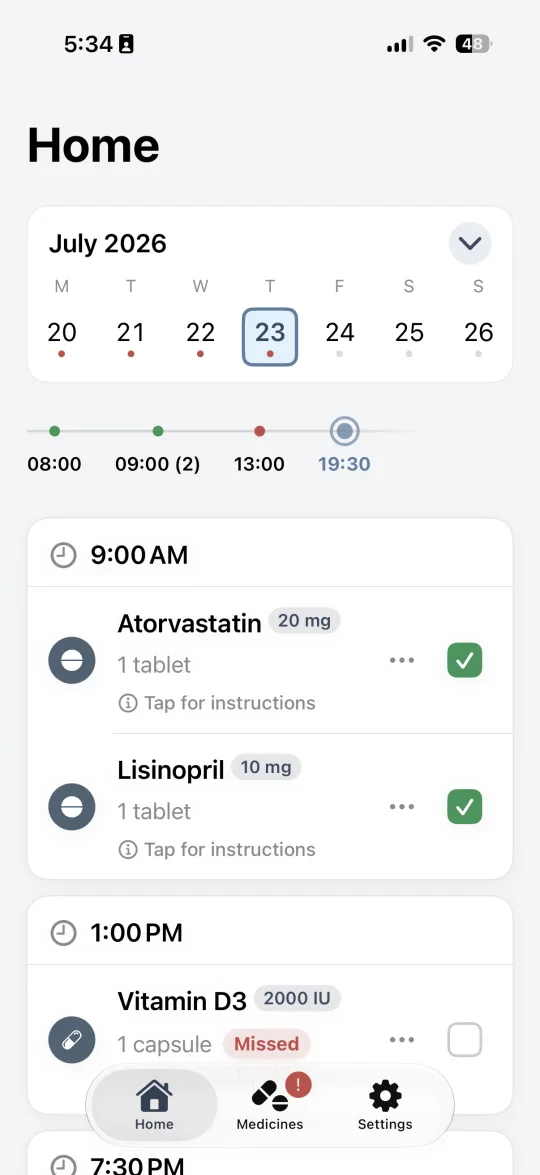
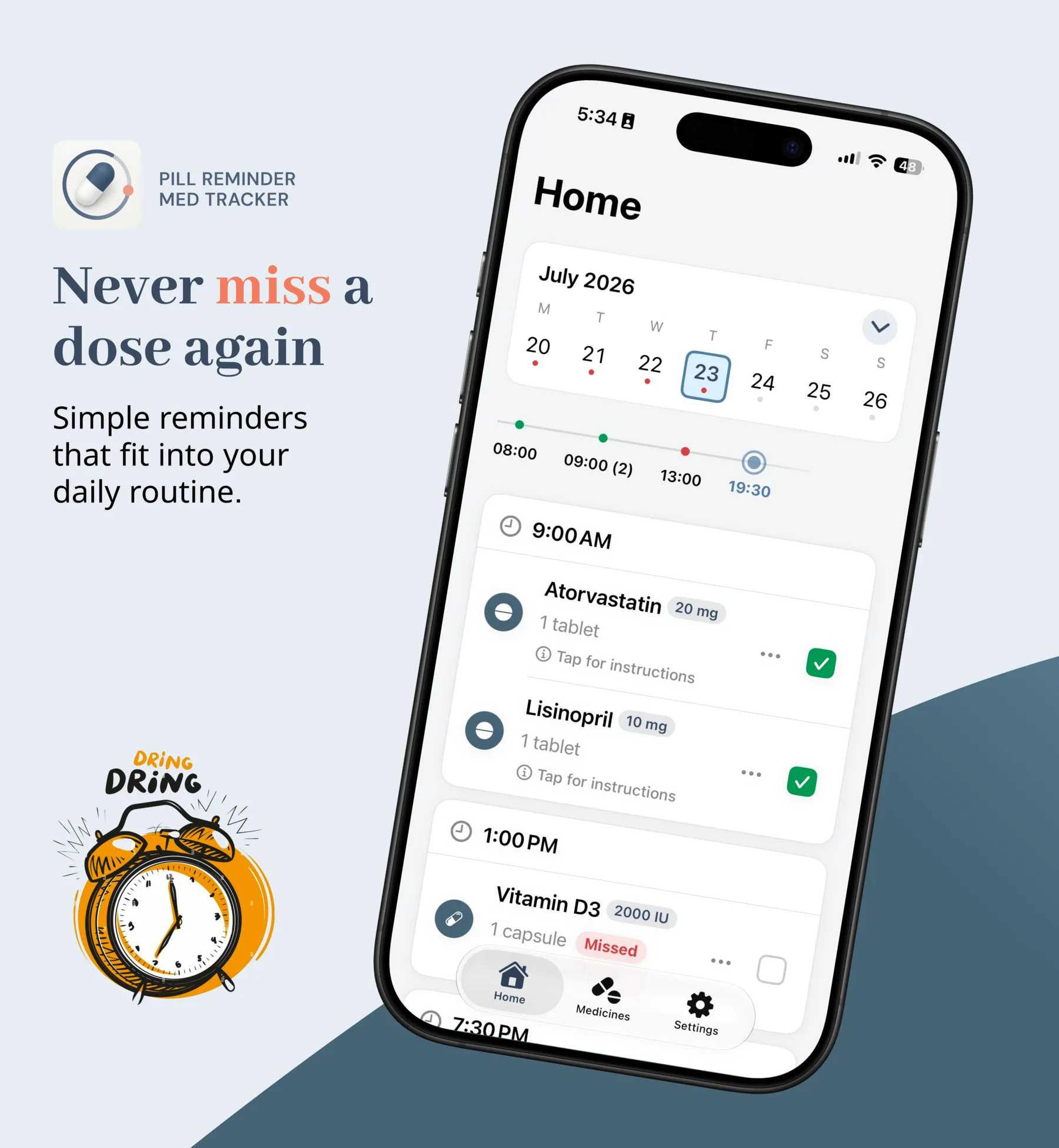
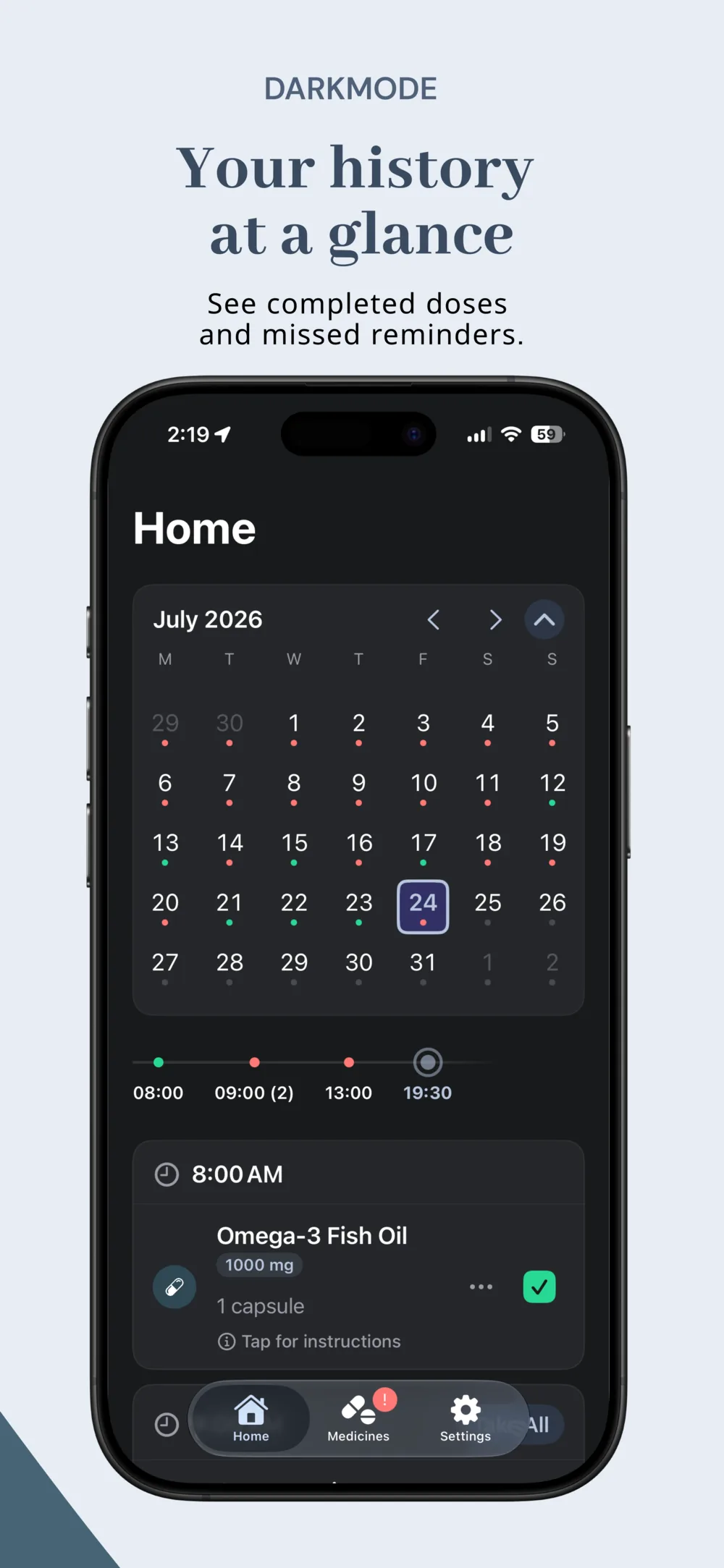
Home groups every dose by time and lets you browse backward and forward through your history — mark a dose taken or skipped right from the day it happened.
Private. Reliable. No subscription.
Pill Reminder keeps your medication schedule, refill alerts, and dose history on your device — with the flexible scheduling and caregiver-ready lists a real medicine cabinet needs.
For iPhone and iPad · One-time Plus unlock · No subscription
Built for a real medicine cabinet
No medical advice, no dosage recommendations, no drug-interaction claims — just a dependable way to track what you take and when.
Home groups every dose by time and lets you browse backward and forward through your history — mark a dose taken or skipped right from the day it happened.
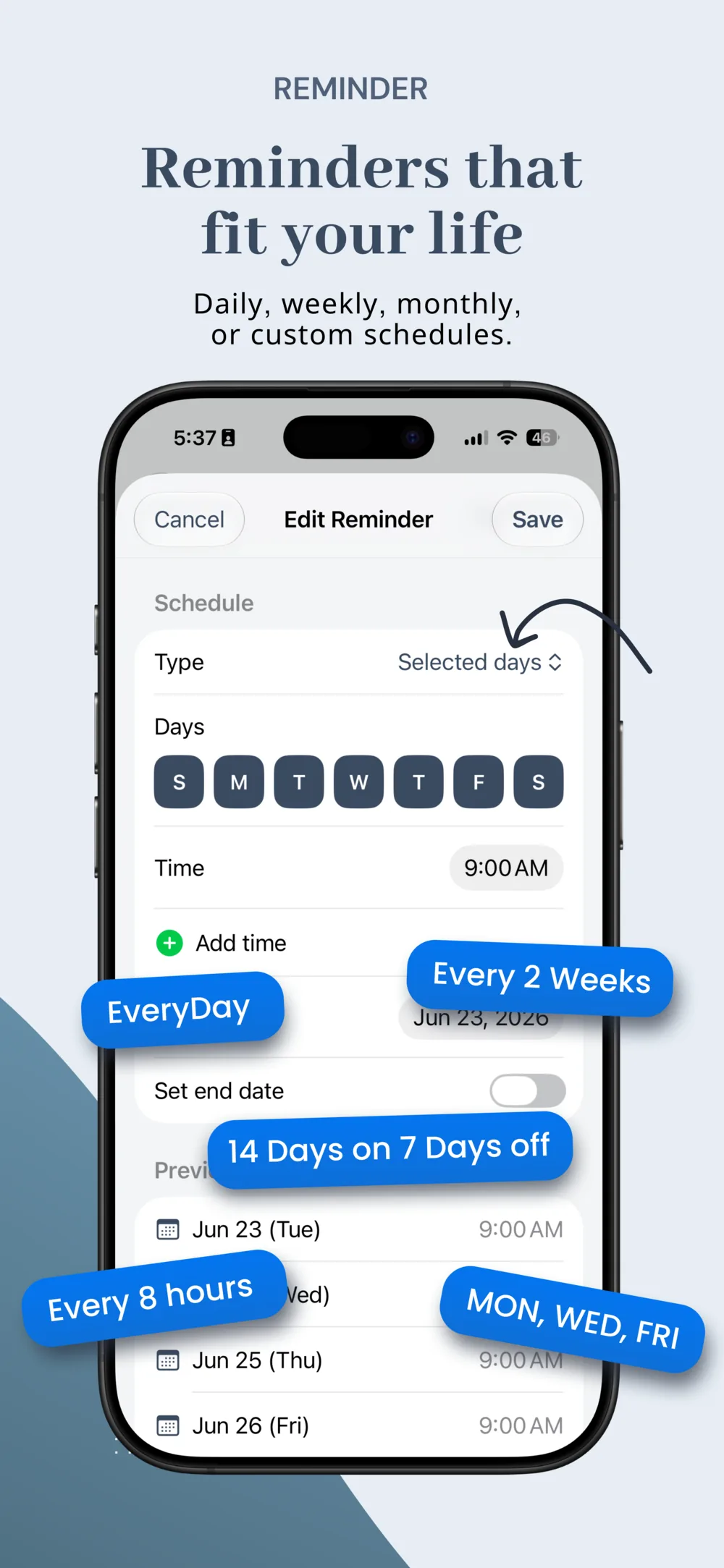
Every day, every X days or hours, specific dates, on/off cycles, or as-needed — with a live preview of your next reminders before you save.
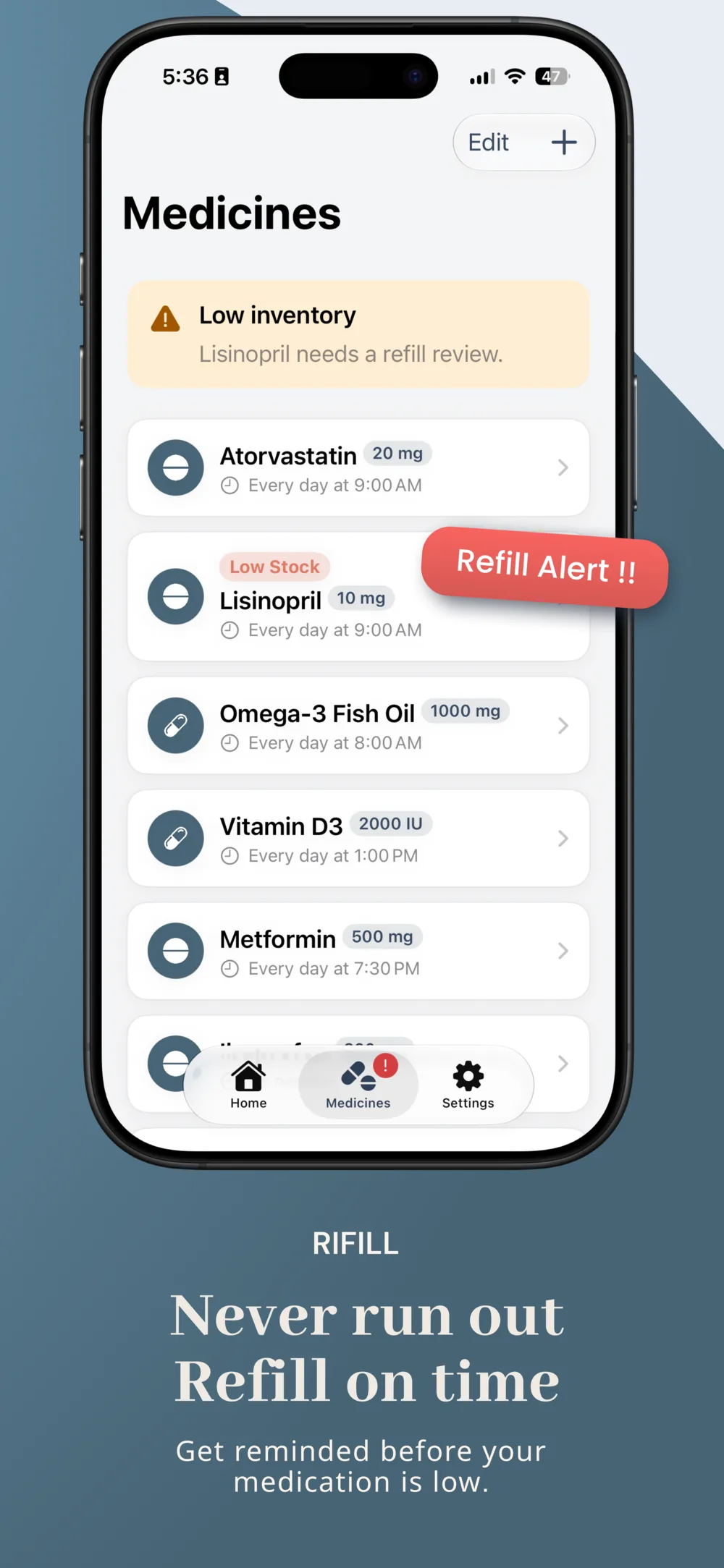
Set a pill count and a low-stock threshold per medicine. A banner flags refills before you're down to your last dose.
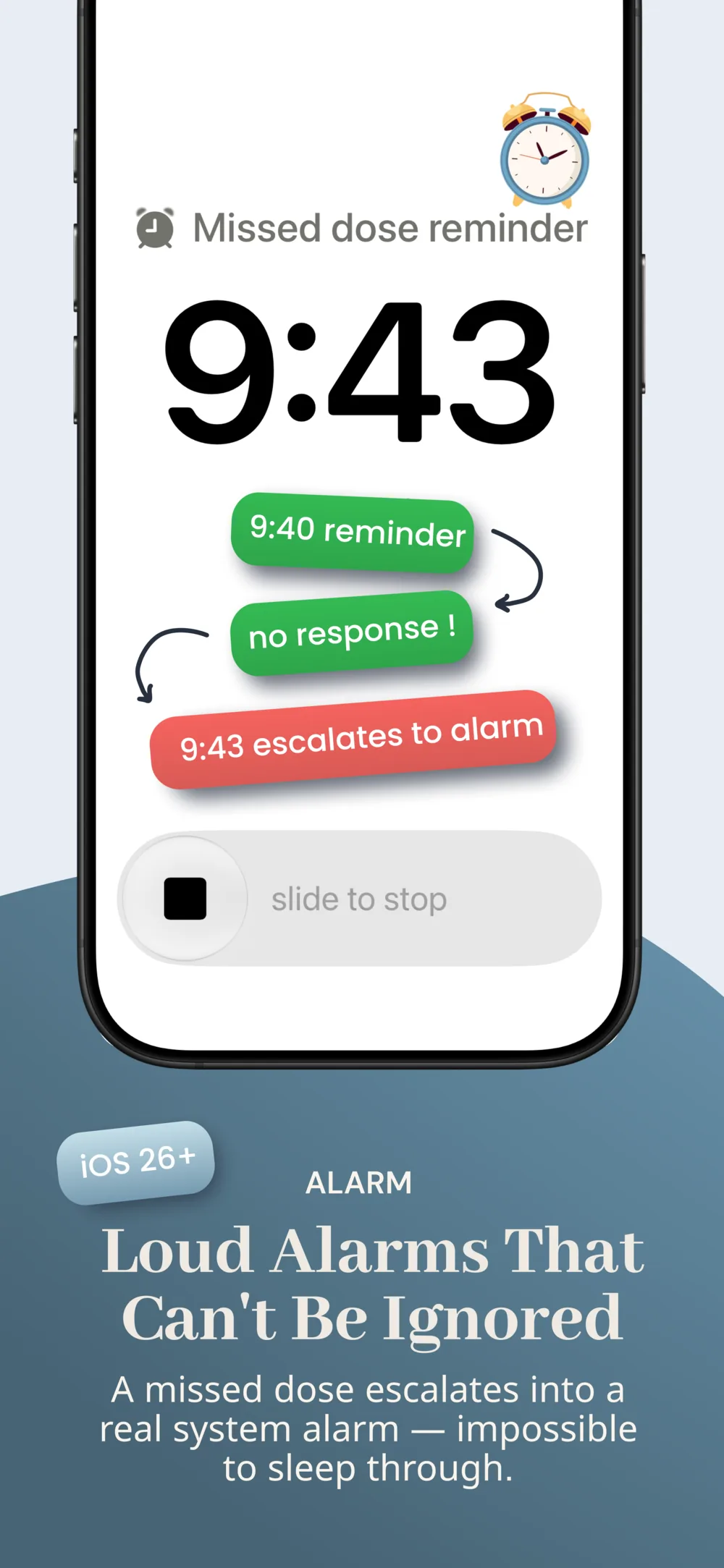
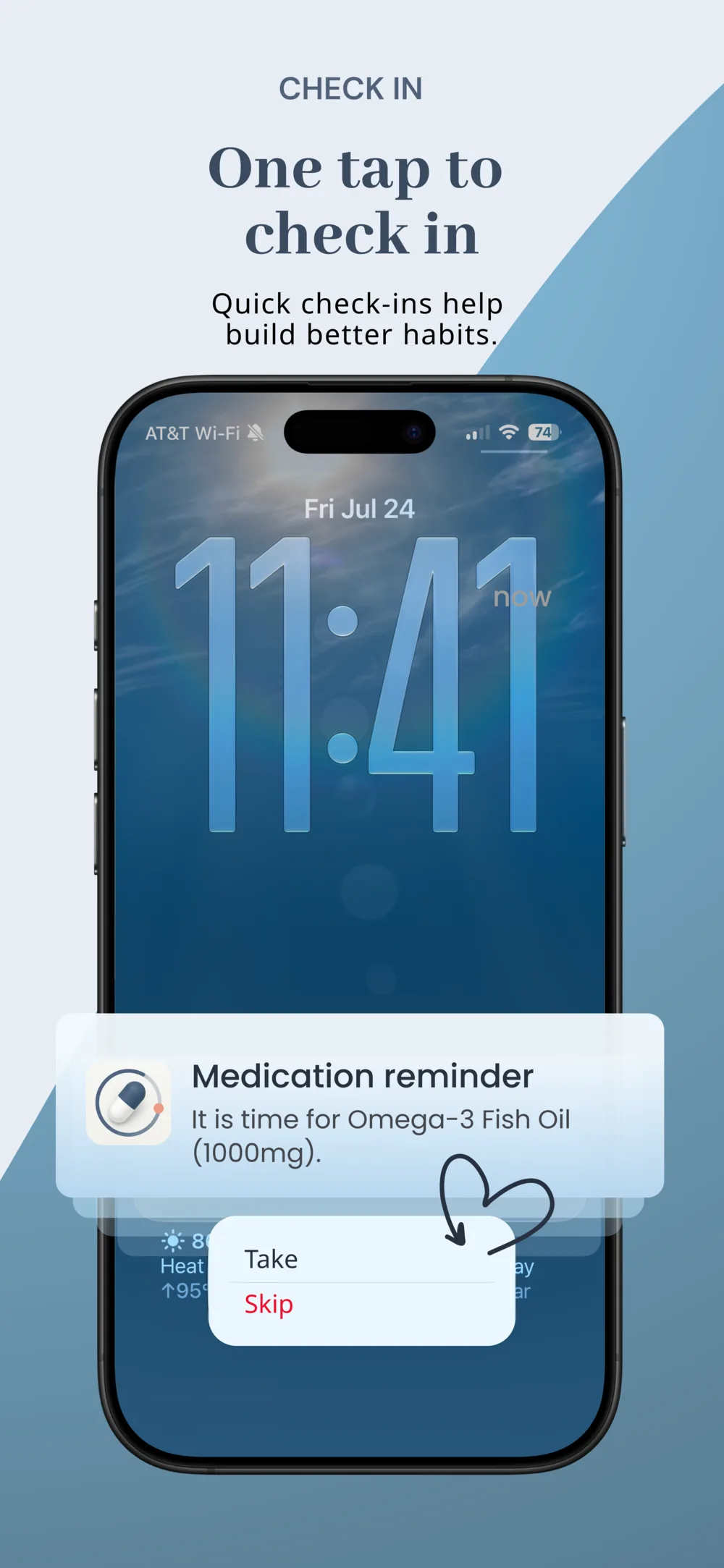
Take or Skip straight from the notification. If you don't respond, a missed dose can escalate into a real iOS alarm after the delay you choose — 1 to 15 minutes, or off (requires iOS 26).
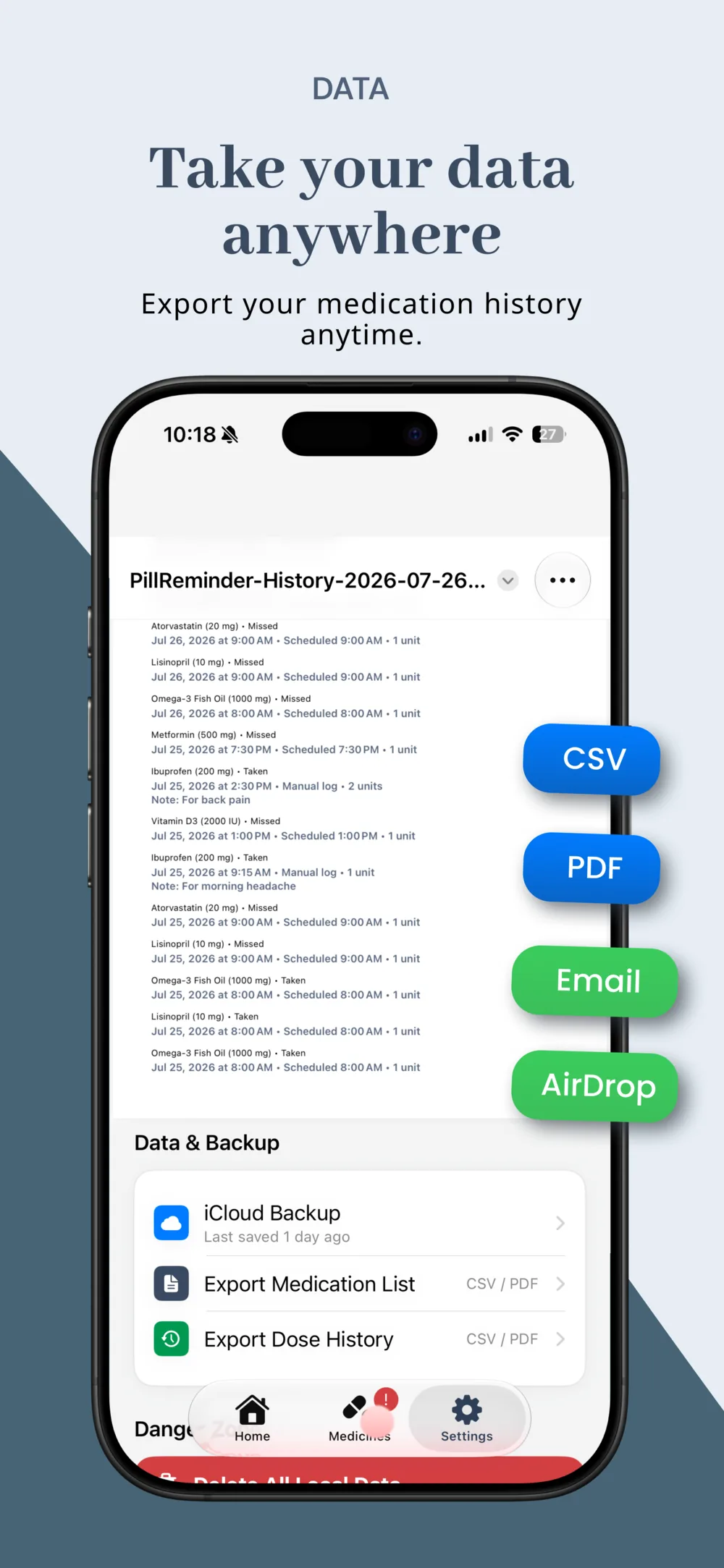
Export a medication list or dose history as CSV or PDF, and share it directly from the app — useful for appointments or a family caregiver.
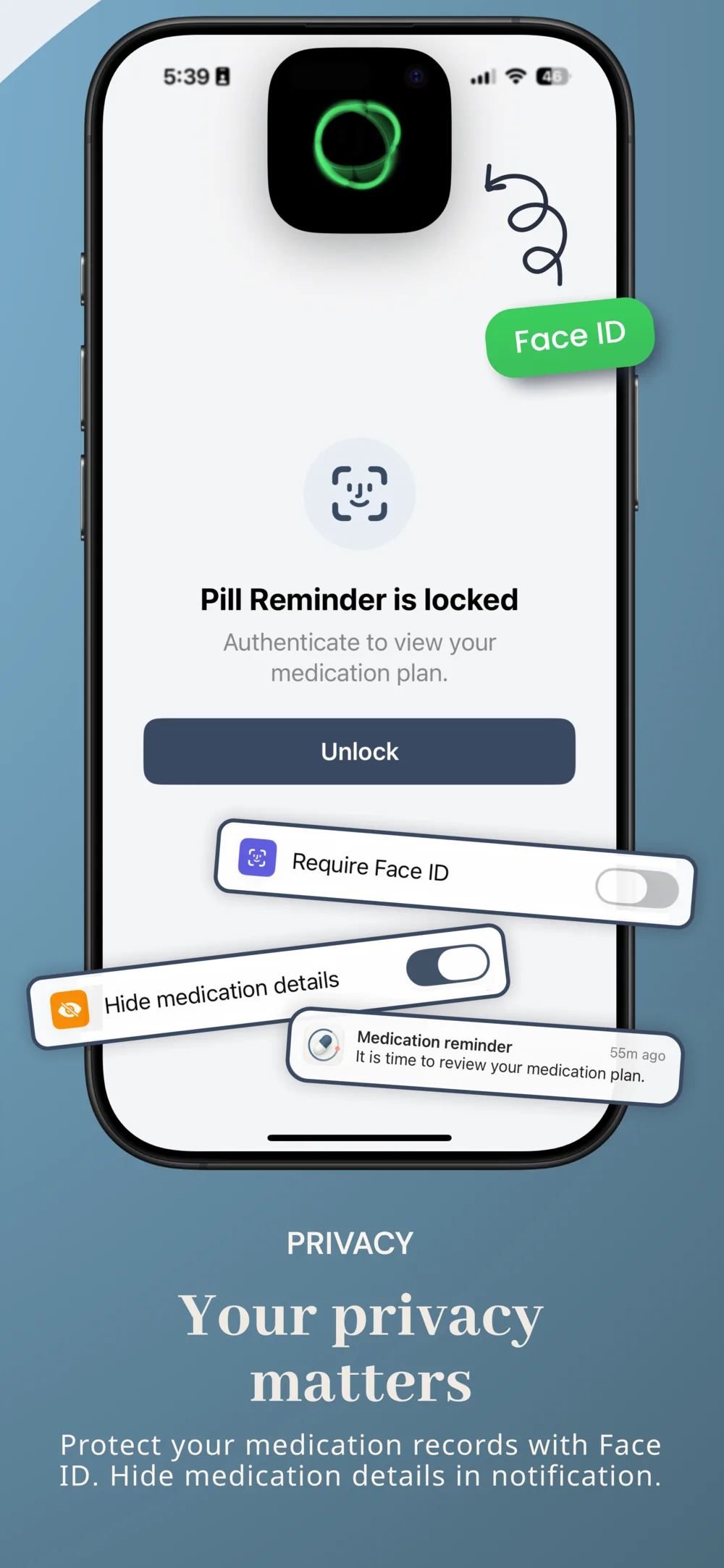
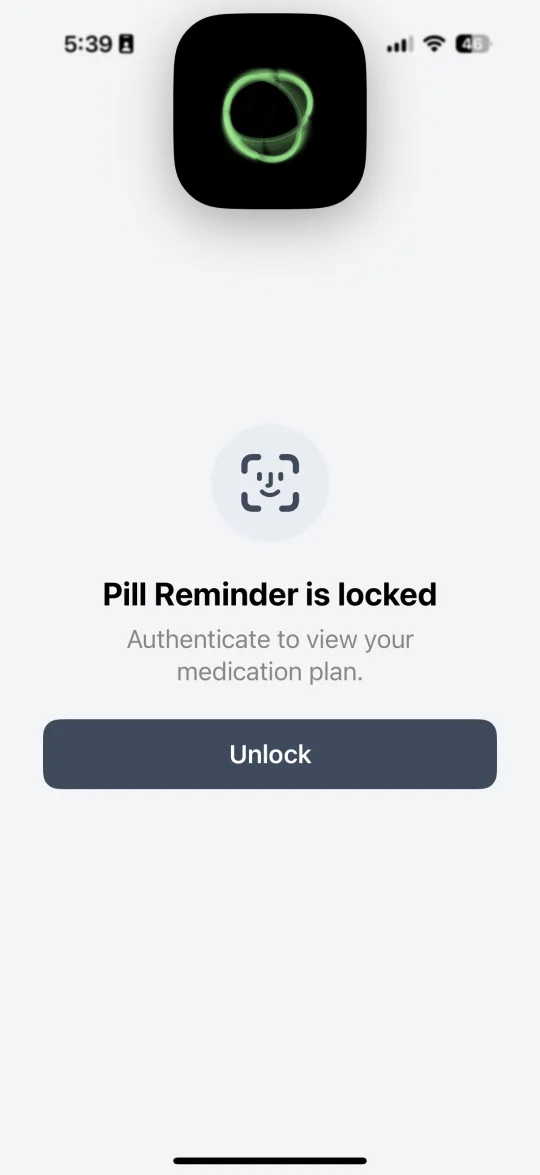
Require Face ID to open the app and optionally hide medication names on notifications and in the app switcher.
The app at a glance
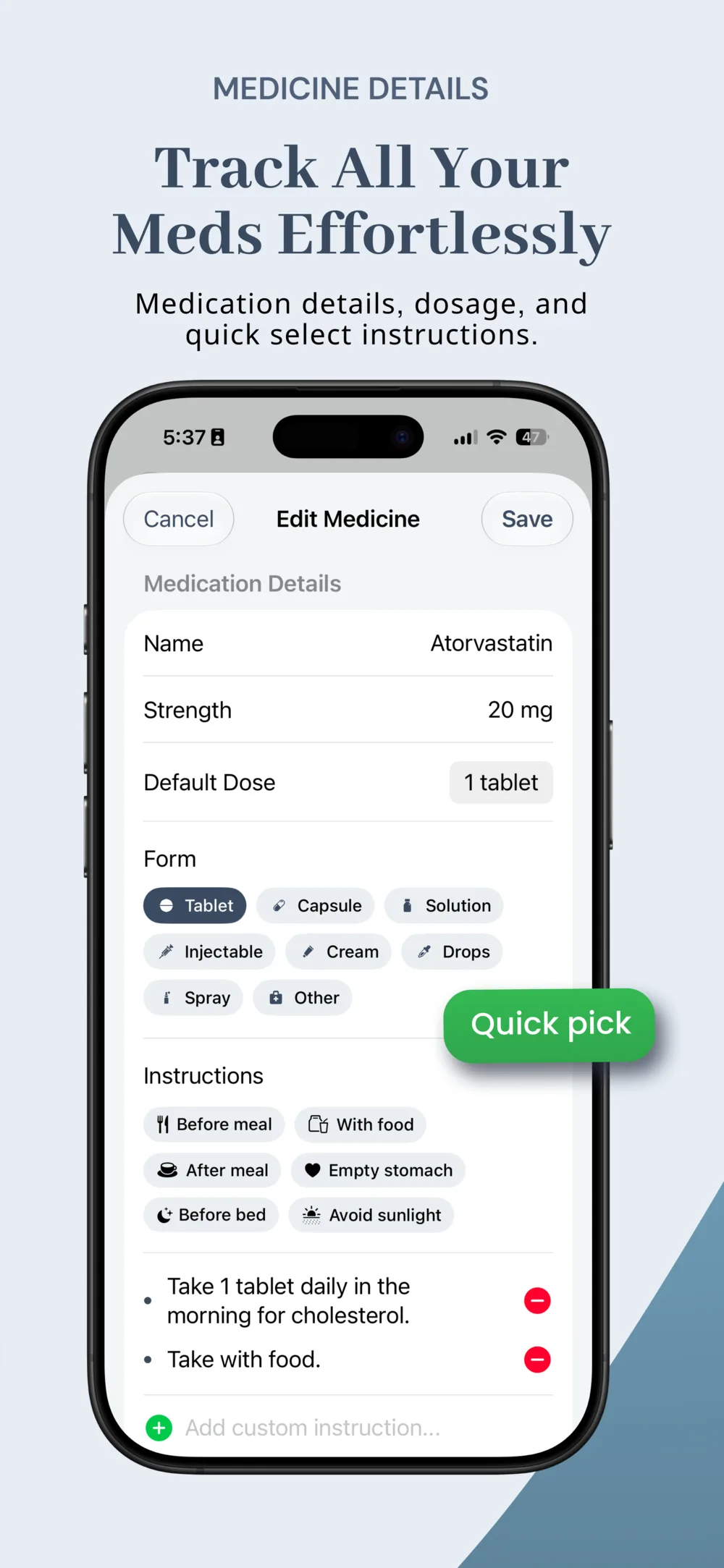
Scroll to see the flow — daily calendar, missed-dose alarms, flexible schedules, refills, privacy, and export.
Private by design
Pill Reminder works without an account or a network connection. Your medicines, schedules, inventory, and dose history stay on your device unless you choose to back them up to your own iCloud account.
For iPhone and iPad
We're finishing up before submitting to the App Store. Check back here for the download link, or email us to be notified at launch.
Support
Find quick answers here or send an email if you need a hand.
Quick answers
Your medicines, schedules, inventory counts, and dose history are stored locally on your device. The app does not upload this information to the developer.
No. Pill Reminder works without registration, login, or a network connection.
Open Settings and enable iCloud Backup to save a snapshot to your own iCloud account, or use Export Medication List / Export Dose History to save a CSV or PDF file.
Remove individual medicines or reminders in the app, or use Delete All Local Data in Settings. Deleting the app removes its local app container, subject to any device backup or exported file you created.
No. Pill Reminder is a self-directed reminder and tracking tool, not medical advice, diagnosis, treatment, or drug-interaction guidance. Always follow your prescriber's or pharmacist's instructions.